PAD
Add leading "0" other characters before a number or string in Google Sheets with PAD
Clean to Type Cyrus RadfarJul 3
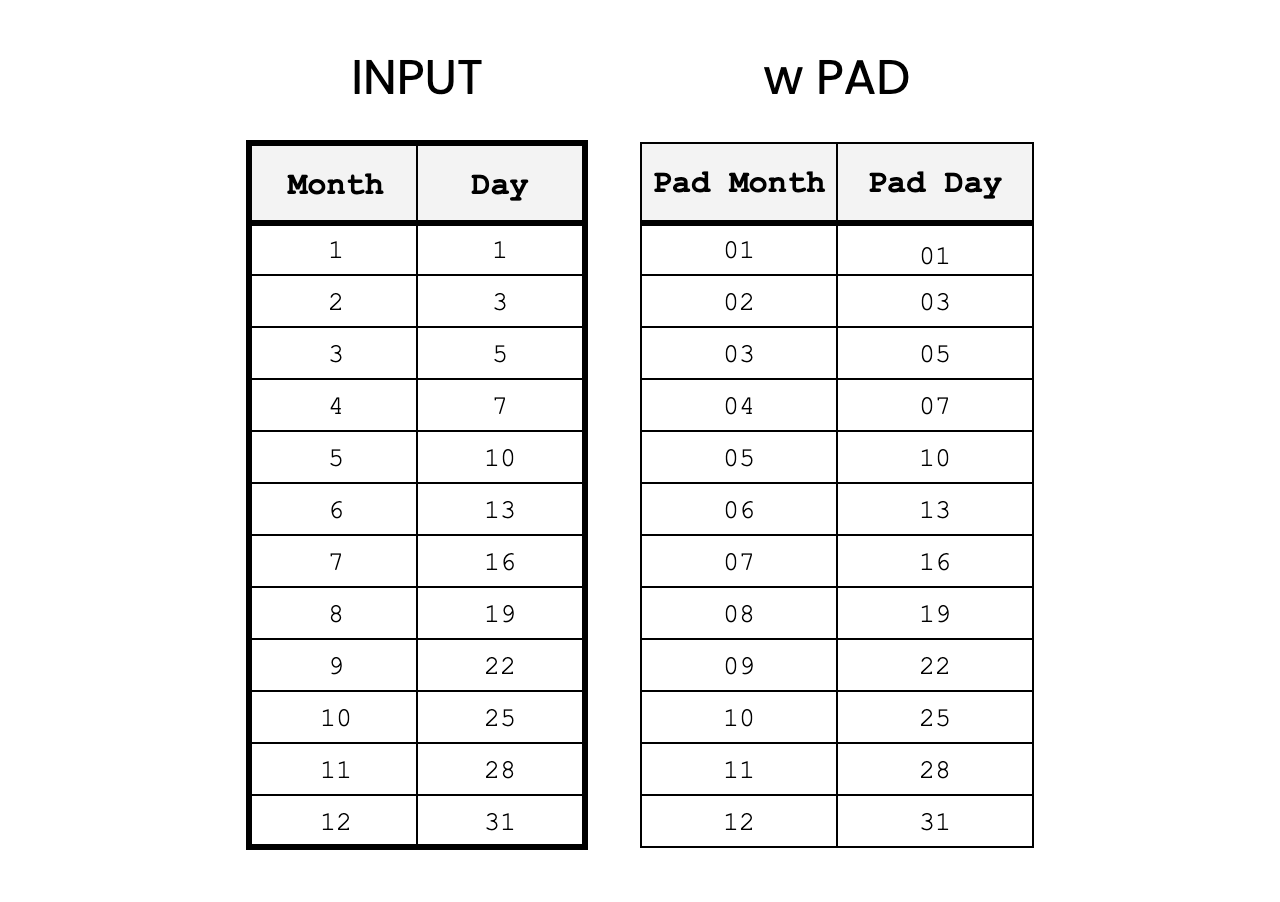
The PAD function is a tool for creating output that all has the same length.
Commonly, this can be used to "pad" a single digit number with a leading zero so "1" becomes "01". This function is extensible so the user can decide what character to use and what the length should be. By example, it would be possible to turn "1" into "******1", as well.
Function Signature
=PAD(input, pad_length, pad_character)Argument Definitions
input [range]
- required - range of cells to transform with padding.
pad_length [number, default = 2]
- Number of characters that must be padded. Longer length strings will not be truncated.
pad_character [string, default = "0"]
- Function uses the first character of the given string as the padding character. Ex. if pad_character is "*", input is 1, the return would be "*1"
Use the Cheat
How to Add a Cheat to a Google SheetClick the Code Box to Copy
We've built an interactive tutorial in Google Sheets where it's easy to see how the function works. You can read the definition, edit examples, and do some practice examples to verify that you understand how to use the function.
Copy Tutorial View Tutorial Download AppScript Code